Spotting Phishing Scams Before They Hook You
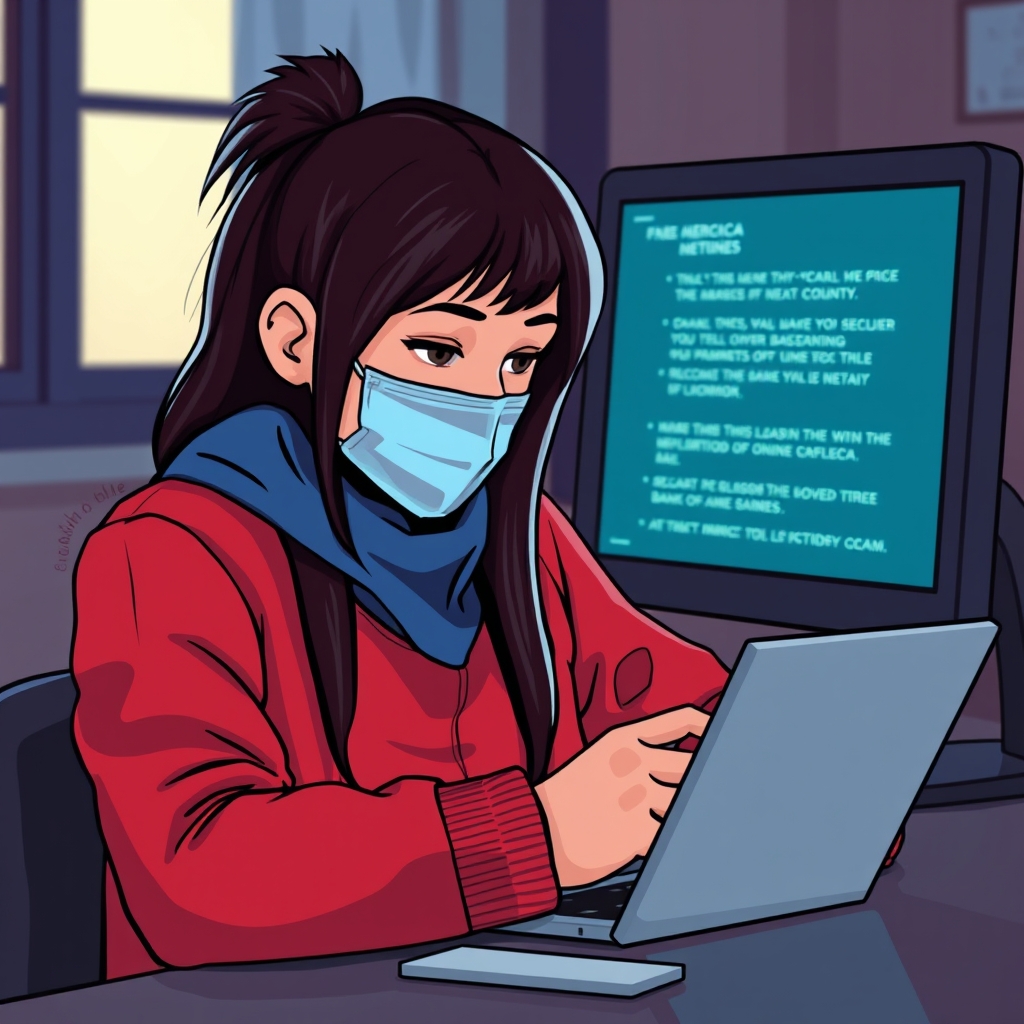
Spotting phishing scams has become crucial in this digital age, especially if you're like me and do most transactions online. One dead giveaway is the email or message style; legitimate banks will never ask for personal information through insecure methods. Always check the sender’s email address—phishers often use addresses that mimic real ones. Hover over links without clicking to see the actual URL popped up at the bottom of your screen. If it's a jumble of numbers, special characters, or a variation of a known website, think twice before proceeding. Once, I was nearly caught out by a message that seemed like a travel receipt, but the URL led to a knock-off travel site asking for bank details. If you suspect something’s off, call your bank using the number on their official site or mobile app to confirm. I know firsthand the mix of panic and relief—a call saved me from a potential data breach. Trust your instincts: if something looks weird, it probably is. Phishing scams evolve, so should your vigilance skills.
Strengthening Your Passwords and Setting Up Two-Factor Authentication
In the realm of online banking, creating strong passwords is like setting up a fortress. I learned this the hard way a few years ago when my very mundane password was compromised. Mixing upper and lower case, numbers, and symbols now sounds basic, but let me tell you—it’s more effective than you'd think. Password managers have become my go-to for generating random strings of characters which are virtually impossible to crack. Combined with two-factor authentication (2FA), it’s like a double lock on your front door. 2FA often involves getting a code sent to your phone, adding a layer of protection even if someone guesses your password. I remember feeling surprisingly reassured each time I typed in those second-factor codes. They may seem like an extra step, but when security is at risk, it’s time worth investing. Make routine checks to ensure all your financial accounts have the latest security features deployed. It’s empowering to know you’ve actively been involved in securing your assets.
The Risk of Public Wi-Fi to Your Financial Safety
Accessing your bank account while sipping a latte at your favorite café can seem harmless, but let me share why I avoid public Wi-Fi for sensitive tasks. Public Wi-Fi is essentially a playground for hackers. They can easily intercept your data if your connection isn't secure. If you must use it, ensure you're on a network with encryption (look for 'https' in the URL, not just 'http'). Better yet, a VPN might be a wise investment to encrypt your online activity even over unsecured networks. I once sat next to a tech-savvy guy who casually boasted of intercepting data packets from fellow café goers—it gave me chills. I went home and downloaded VPN software the same day. If you're skeptical about payment for a VPN, consider that it's much cheaper than dealing with a bank account breach caused by a cyber thief. Staying cyber-vigilant while on public Wi-Fi can prevent a lot of headaches. Always remember, it's far safer to wait until you’re on a trusted network than taking a risk at that moment.