Spot Phishing Attempts Before It's Too Late
It’s crucial to know how to spot scams before they become a problem. As someone who often checks their banking app, I've seen how sneaky phishing attempts can be. These scams might come as an email or a text claiming to be from your bank, often urging you to click a link or provide personal information. They might say there’s an 'urgent issue' with your account. Here’s what I do: First, always check the sender's email address or phone number. Often, they seem odd or don't match your bank's official contacts. Next, hover over links (without clicking them) in emails to see where they lead; phishing links often don’t match the supposed sender. If something seems off, never click — contact your bank through their official app or call their customer service number directly. This simple habit of verifying sources helps me stay one step ahead of potential scams. And if an email includes poor grammar or unexpected attachments, treat it as suspicious. Remember, a legitimate bank won't ask for your passwords or personal data over email or text.
The Power of Strong Passwords and Two-Factor Authentication
Improving password security and implementing two-factor authentication (2FA) have saved me a lot of potential trouble. For starters, use passwords that combine letters, numbers, and symbols — something unique that doesn’t include obvious personal information like birthdates. Password managers can help you keep track of them all. My banking app offers 2FA, which means after entering my password, I get a code texted to my phone to enter before accessing my account. This extra step is quick but turns away potential hackers. Keep an eye out for 2FA options in your security settings and enable them for that added protection. If a password manager seems daunting, consider starting with just securing your banking logins first. Changing passwords regularly and not using the same one across multiple sites also helps. Since implementing these security measures, I’ve felt much more confident about the safety of my online financial details. Banks work hard to safeguard your money, but these steps ensure your online behavior supports, rather than undermines, their efforts.
Stay Safe When Using Public Wi-Fi
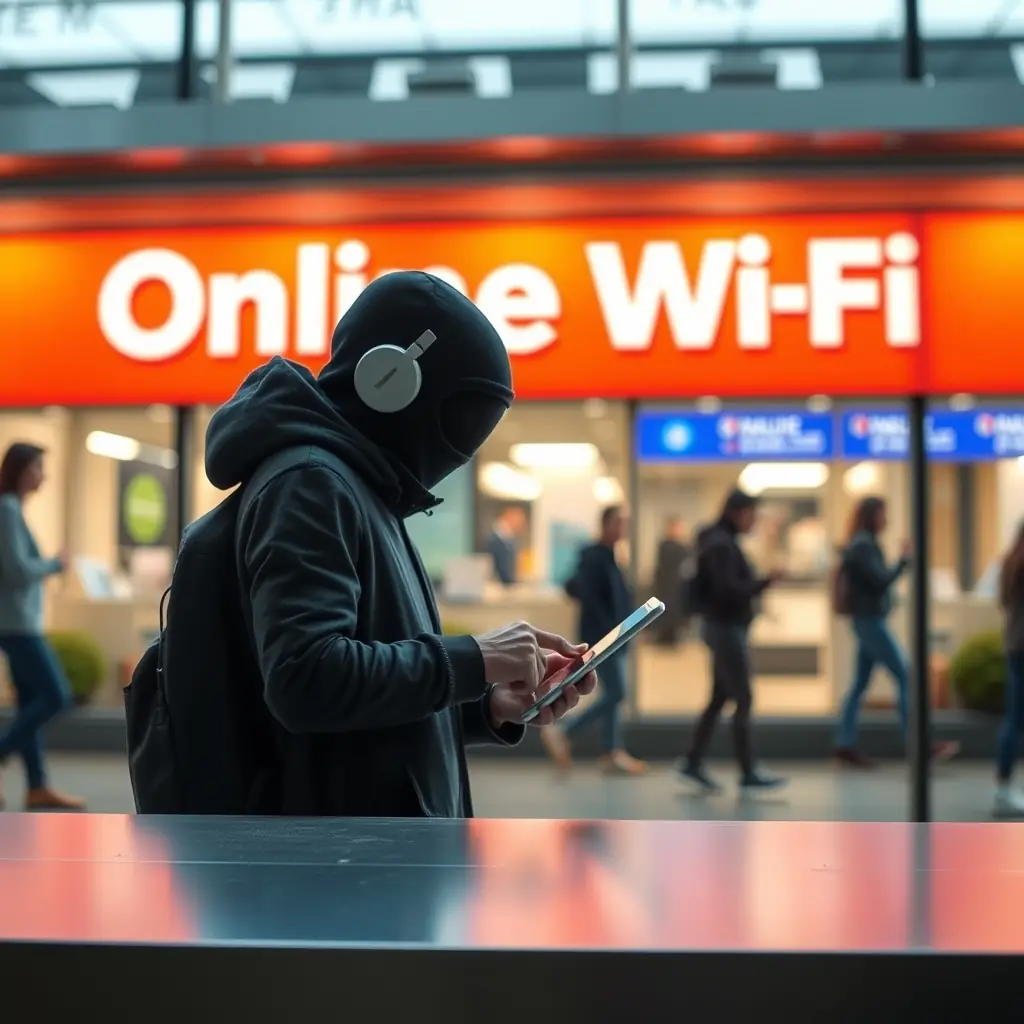
Public Wi-Fi can be a hacker’s paradise, which is why I make a point to limit my online banking to secure networks. If you're out grabbing coffee or at the airport, avoid logging into your bank accounts over public Wi-Fi. Instead, use your phone’s data connection if it’s available — it's a lot more secure. If you need to use public Wi-Fi, consider using a Virtual Private Network (VPN). A VPN encrypts your data, making it much harder for hackers to intercept sensitive information. There are many VPN services out there, so consider one with good reviews and reliable security features. Also, always make sure the websites you visit are secure (look for 'https' in the URL and a padlock icon). Lastly, change your passwords regularly as an additional safeguard. These proactive steps are easy to adopt and can make a difference in keeping your accounts secure. And, they help ensure that if there is ever a breach of security, your information is less likely to be compromised.