Identifying Phishing Attempts Before They Catch You
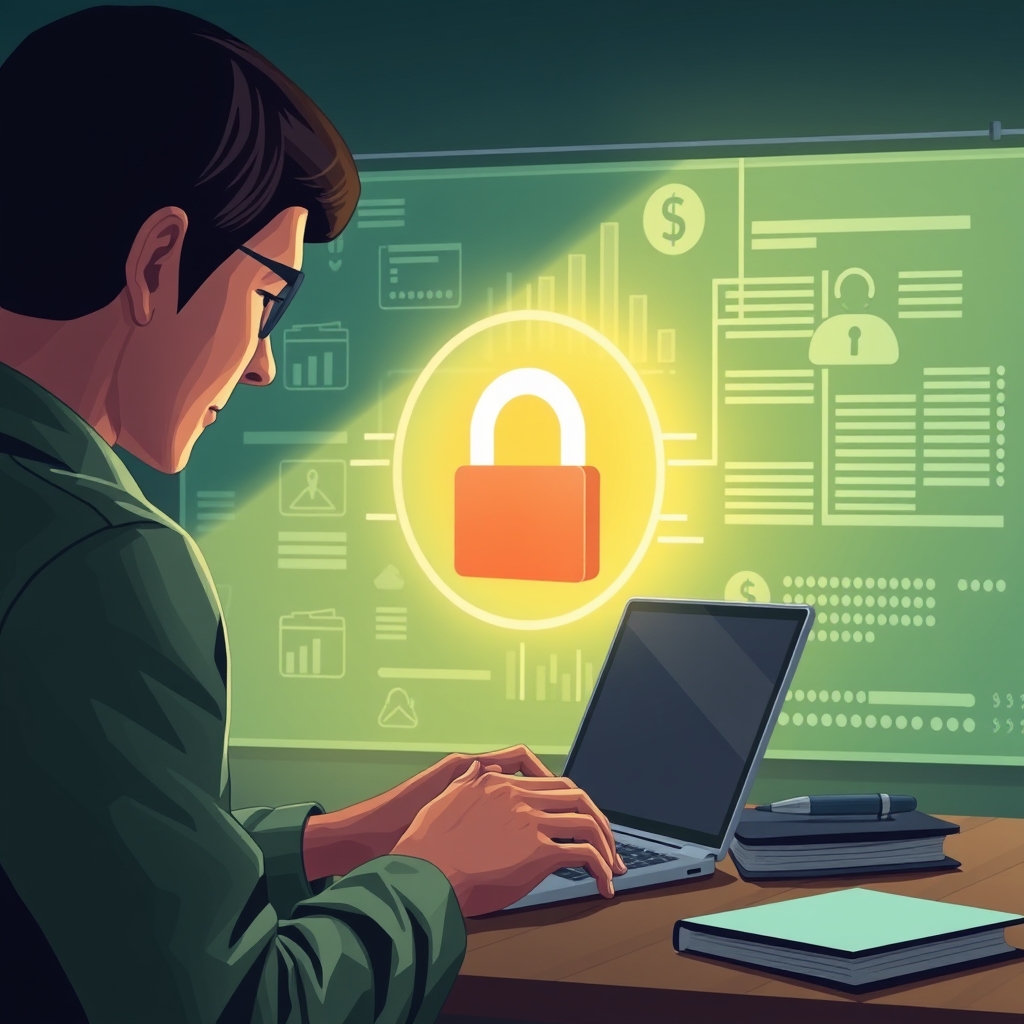
Phishing schemes can be deceptive, and I learned the hard way how cunning they can be. After nearly falling for a convincing email lookalike, I started examining messages closely. The email looked legitimate, but the domain was slightly off, and who uses a number in their domain name, right? Here’s my rule: never click on links or attachments from unsolicited emails, especially if they prompt urgently for personal information. Banks will not ask for your password or account number via email. Attachments are another red flag. If en email asks you to download an attachment to 'fix' something, it's likely a scam. My approach is simple: if it feels off, I don't risk it. I always reach out to the bank directly through its official app or call their official number available on their website. Also, adding phishing filters on your email and browser has reduced unwanted entries. These small checks ensure I don't compromise my banking security by mistakenly giving access to scammers. It’s about being cautious rather than reckless, and these proactive steps have kept my accounts safe.
Harnessing Strong Passwords and Two-Factor Authentication
Creating a robust password is like building a fortress for your online accounts. I used to default to my pet’s name and a birthday, thinking it was clever. It wasn't until a friend suggested a password manager that I realized how weak my old setup was. Now, I generate strong, unique passwords for each account, mixing letters, numbers, and symbols. My password manager automatically inputs these complicated codes, saving me from memorizing them. The real game-changer has been enabling two-factor authentication (2FA). This added layer means even if someone guesses my password, they can't access my account since I receive a separate security code on my phone. Initially, I found 2FA a hassle, but its reliability can’t be overstated. There’s peace of mind knowing you're making it significantly harder for hackers to breach your accounts. Remember, technology is here to help. Using it smartly and embracing these layers of protection transforms a potential vulnerability into a robust defense.
Safeguarding Accounts When Using Public Wi-Fi
We’ve all been there—needing to check our bank balance while sipping coffee at the local cafe. However, public Wi-Fi networks are notorious for being security risks. Over time, I’ve adopted some protective habits. I use a Virtual Private Network (VPN) when accessing the internet in public spaces. A VPN encrypts your data, making it virtually unreadable to prying eyes. It costs a little, but it's worth it. My second rule is to avoid accessing sensitive sites over public networks unless it's urgent. Additionally, I never allow automatic connections to open networks. This keeps rogue networks from latching onto my phone without permission. If I'm really in a bind, I trust my phone's 4G or 5G data over an unknown network. These steps are small but vital in maintaining the integrity of my bank information. It’s not about saying goodbye to the convenience of public Wi-Fi, but rather ensuring I'm the one in control of my security as I navigate it.