
Setting Up Your Online Banking Account
Opening an online banking account is simpler than it sounds. Start by visiting the website of your chosen bank and look for a 'sign up' or 'open account' option. It usually takes you to a page where you’ll need to provide basic information like your name, address, and Social Security number. Depending on the bank, you might also need a government ID and some initial deposit. I remember setting up my own account as a straightforward process, mainly requiring a bit of patience as the bank verifies your details. Remember to create secure passwords and enable two-factor authentication, which adds an additional layer of security by sending a verification code to your phone during login attempts. Once your account is set up, you can start exploring features like balance checks, fund transfers, and bill payments. Many banks offer tutorials or help centers that walk you through these basic operations step-by-step, making it easier to manage your finances without leaving home. The first-time setup might seem daunting, but it's just a matter of following prompts and ensuring your information is accurate and secure. That's your gateway to a smoother financial management experience.

Navigating Mobile Banking Apps
Mobile banking apps have revolutionized how we handle money on the go. I recall being skeptical at first, but after downloading my bank's app, it quickly became an indispensable tool. Once you’ve secured your online account, the mobile app offers an even more convenient interface. Most apps allow features like mobile check deposits—where you simply snap a picture of your check for deposit—as well as real-time transaction alerts. One thing I love is how these alerts keep me on track with spending, immediately notifying me of any charges. When setting up, make sure to customize settings that cater to your financial habits. If you’re like me and need constant reminders, enable push notifications for account activity or low balance alerts. Additionally, the apps often have robust security measures, such as biometric login options like fingerprint or facial recognition, to keep your account safe. Give yourself time to explore all the available features. Over time, you’ll likely find that using a mobile banking app isn't just convenient, it's a necessary component of managing your accounts efficiently in today’s fast-paced world.
Switching Banks: Things to Consider
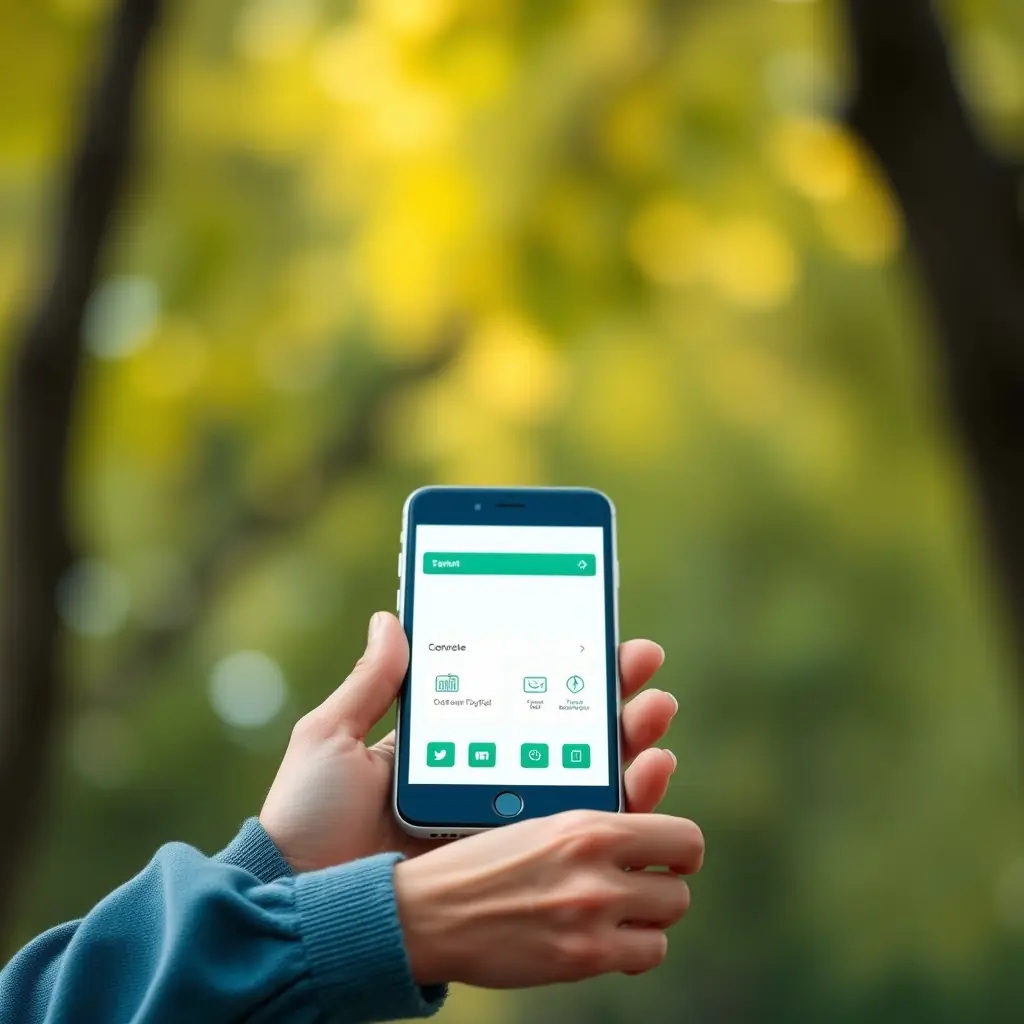
Switching banks can seem daunting, but online platforms make it easier than ever. I decided to switch after realizing another bank offered better digital services. The first move? Research and compare what other banks provide in terms of interest rates, service fees, and online features. Most crucially, scrutinize their mobile and online banking ratings. User reviews can be vital because they give you firsthand experiences regarding service reliability and app functionality. Once you've chosen your new bank, start with the basics: open your new account using their online portal, much like your initial setup. Gradually shift your automatic payments and direct deposits to avoid disruption. Keep both accounts open for at least a month to ensure all transactions clear. It’s something I learned the hard way when a utility bill tried to withdraw from my old, nearly extinct account. When it comes to closing your old account, confirm all your transactions are complete. With a strategic approach, switching banks needn't disrupt your life but rather adapt better to your online banking needs.