Recognizing Phishing Emails
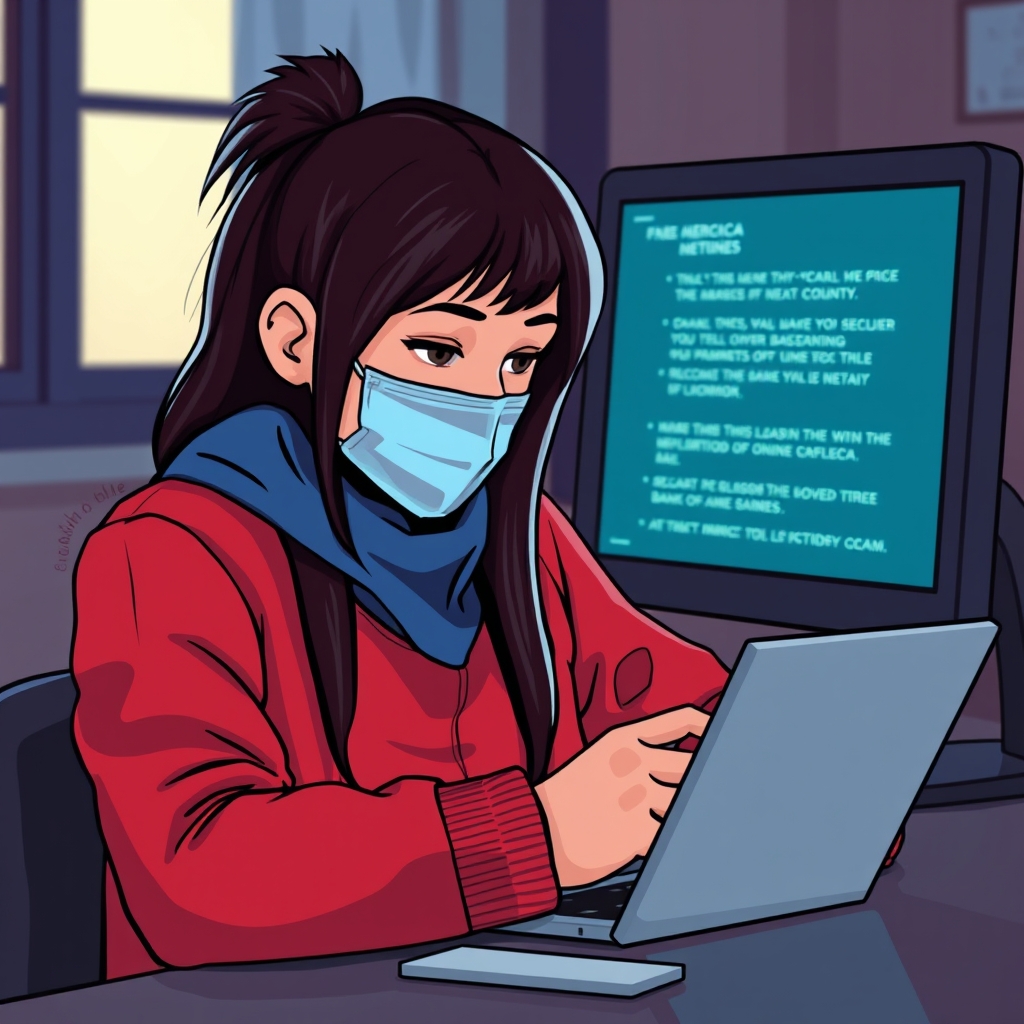
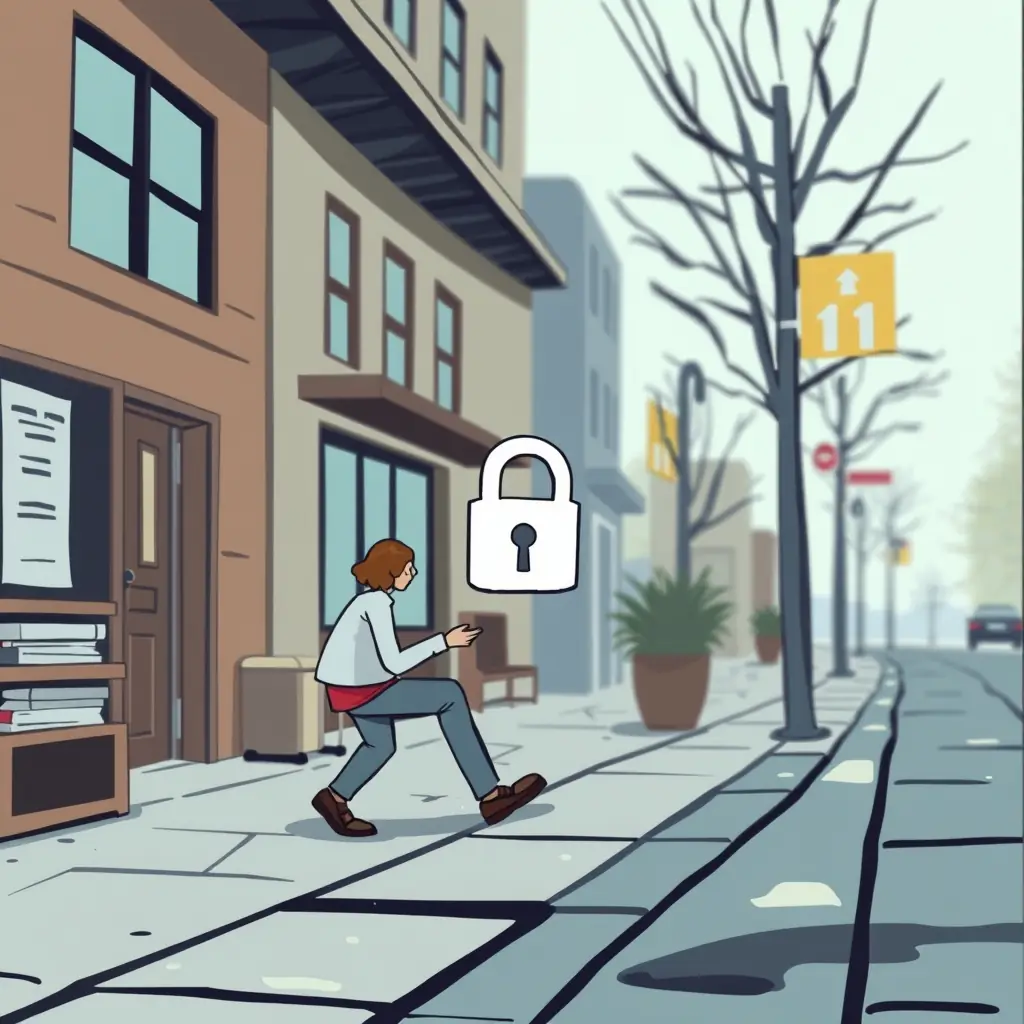
Phishing scams thrive on imitation, often masquerading as legitimate messages from your bank. I've encountered my fair share of suspicious emails, usually claiming there's been an urgent issue with my account. The key is to scrutinize every email closely before clicking on any links. Legitimate banks typically address customers by their full name. If you see 'Dear Customer,' be cautious. Another red flag is a sender's email address that doesn’t match the official email domains of your bank. Always hover over any links before clicking to reveal their true destination. Be wary of spelling errors and generic threats like 'account suspension' as they’re a favorite in scammers' toolkit. Whenever something feels off, I make it a point to call my bank using their official contact number or app—never from the number listed in the suspicious email. Trusting your instincts here is crucial—taking a moment to double-check can save you a lot of stress.

The Power of Strong Passwords and Two-Factor Authentication
A strong password is your first line of defense. I’ve made it a habit to use unique, complex combinations of letters, numbers, and symbols for each of my accounts, never repeating the same one twice. Password managers can be a lifesaver here, keeping track of those complicated combinations with ease. Two-factor authentication (2FA) adds a robust layer of security, ensuring that even if your password is breached, unauthorized access is much harder. I was skeptical at first, but after I started using 2FA, I felt considerably more secure. Most banks and financial services now offer this feature, and it's worth the couple of extra seconds. It sends a unique code to your phone or authenticator app that you must enter to gain access. Without this code, outside parties have a much tougher time breaking in. Always enable 2FA where available; it’s become an essential part of my routine.
Safeguarding Against Public Wi-Fi Risks
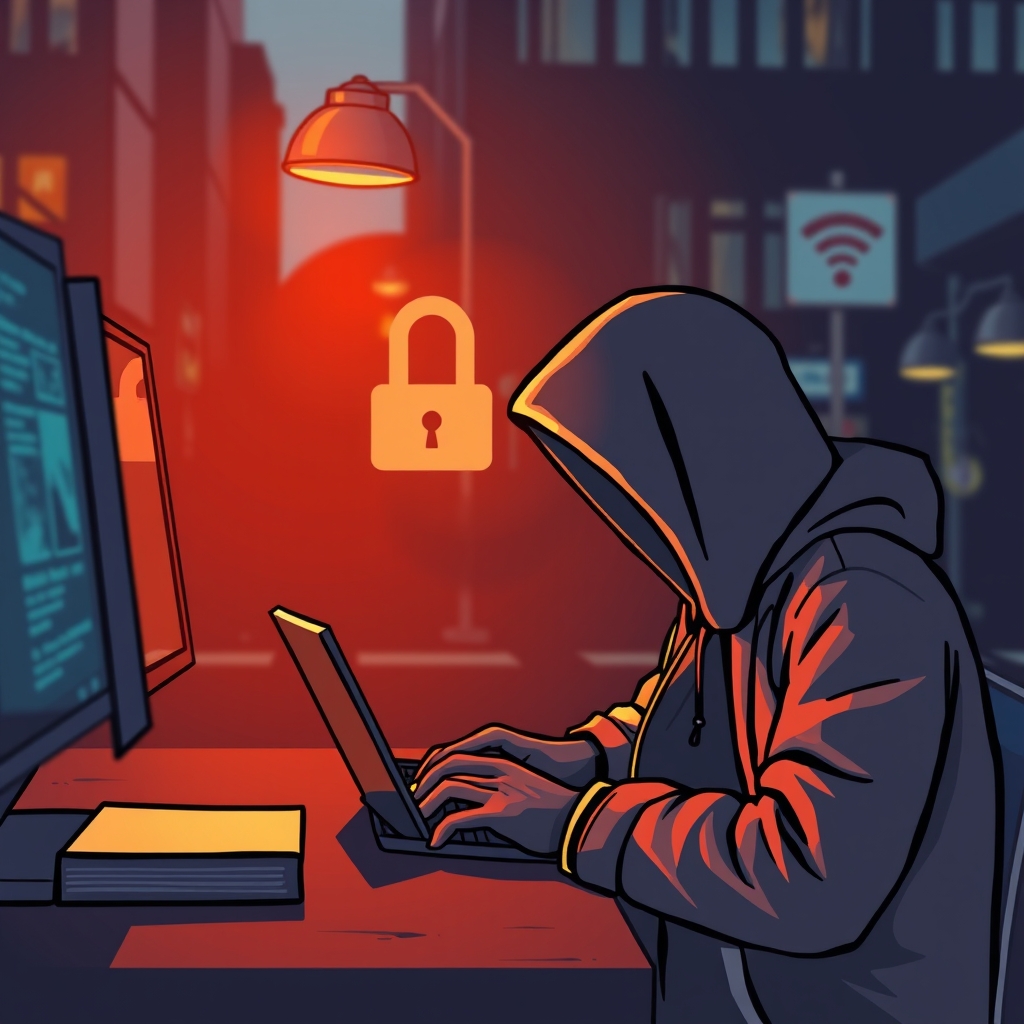
There’s nothing like sipping coffee in a cafe while checking your bank balances, but public Wi-Fi is a digital minefield. These networks are rarely secure, making it easy for hackers to intercept your data. I avoid logging into my accounts on public Wi-Fi as a rule, but sometimes it’s necessary. In those cases, a Virtual Private Network (VPN) is the way to go. VPNs encrypt your data, making it impenetrable to prying eyes. I've been using one for years now and it’s been worth every penny for the peace of mind alone. If you're caught without a VPN, use your phone's data connection instead; it's generally safer. Lastly, look for HTTPS in the website address—it’s a sign you have a secure, encrypted connection. Remember, keeping your data safe when using public hotspots is crucial. It requires just a little preparation to thwart potential attacks.